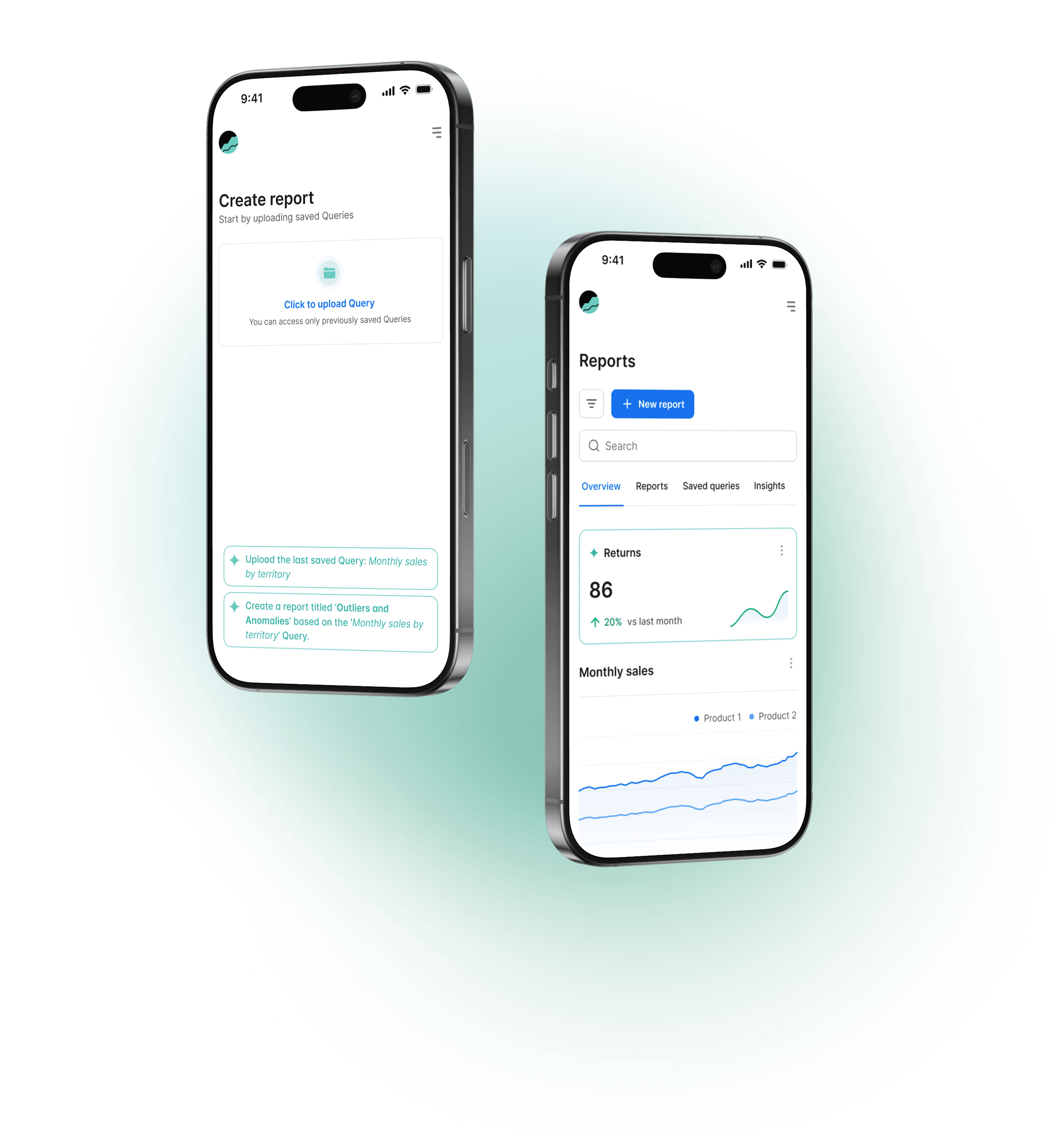
Patterns, Y Combinator-backed startup that helps companies analyze internal data and receive custom, AI-generated insights.
Company
Patterns
Date
2022-2023
Team
Founding designer (me), 2 Founders, 1 Front-end, 4 Back-end Developers
Goal
I joined at zero-stage to define the product from scratch. The goal was to make data insights accessible and useful for non-technical teams like CEOs, biz ops, and analysts.
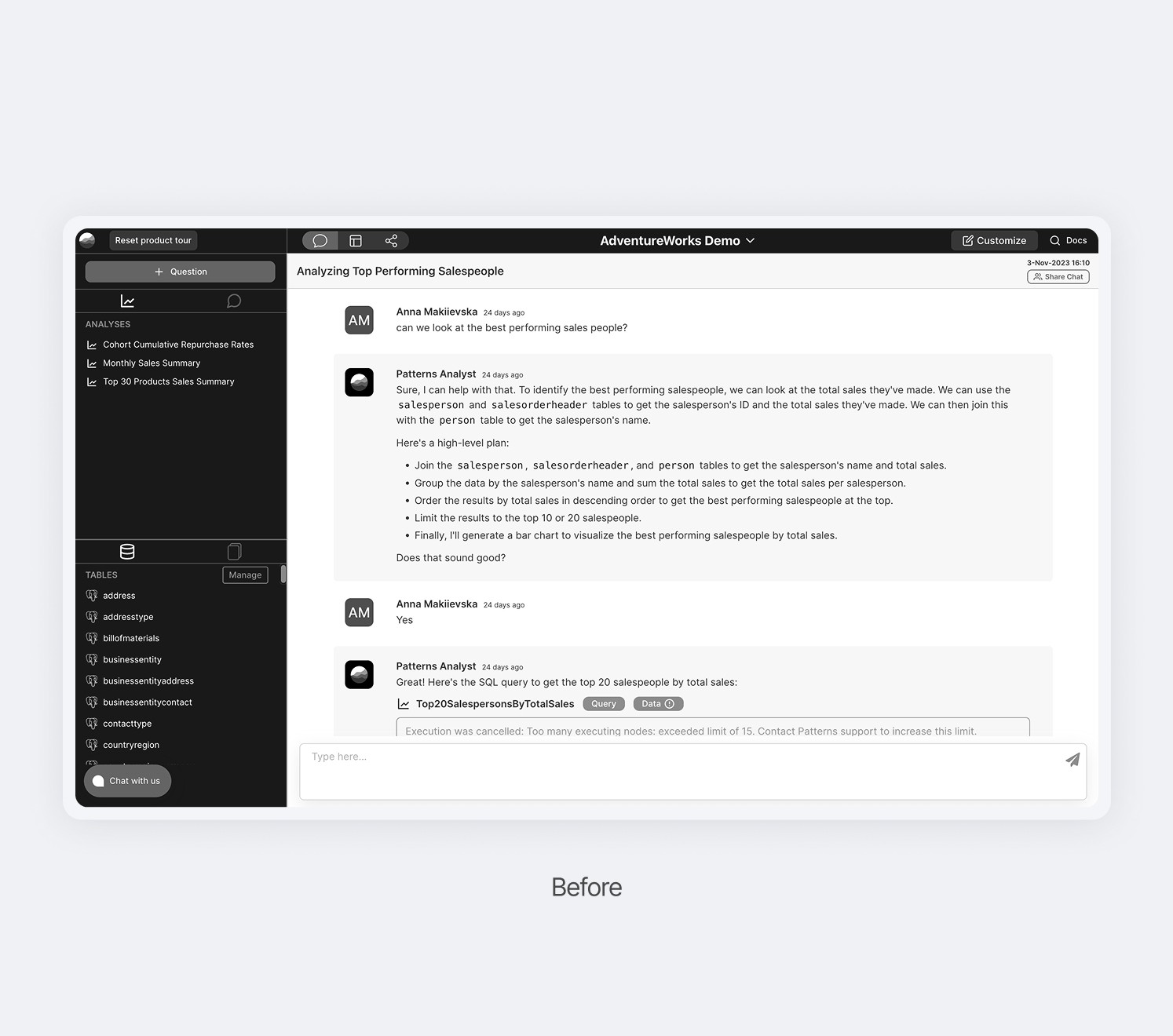
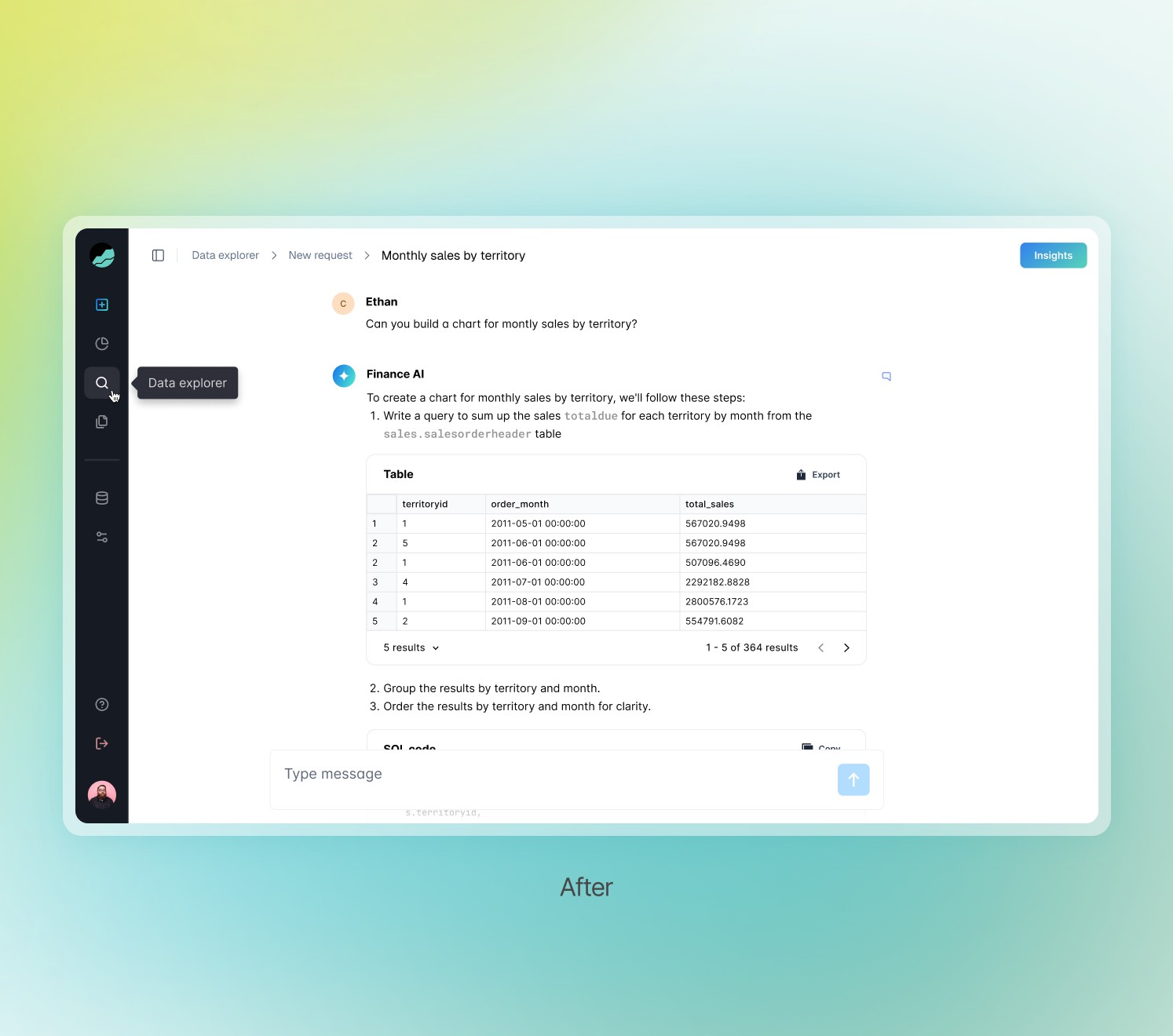
Platform was initially designed for technical users. The interface was dense, full of edge cases, and required context-switching. New users dropped off quickly, especially during the setup phase. They wanted something faster and more flexible than a set of tables, but current tools required SQL and engineering support.
Users wanted trustworthy answers from data without complex setup.
Research
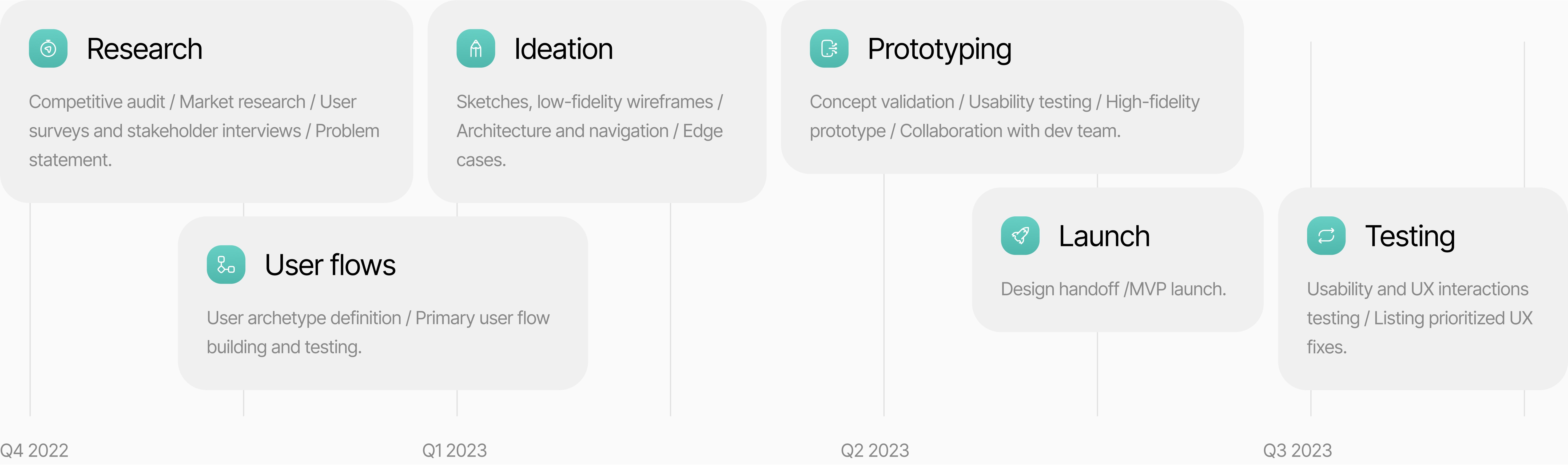
I interviewed 16 users from operations, finance, and leadership teams. I asked how they currently get insights from data, what tools they use, and where friction happens. I planned sessions, ran interviews, and synthesized learnings into user needs and pain points.
Context over access
Users didn’t want full data access — they needed simple, contextual answers.
Confidence in auto-generated insights depended on showing logic and source data.
Clarity in setup
Setup felt overwhelming when framed with abstract concepts and disconnected steps.
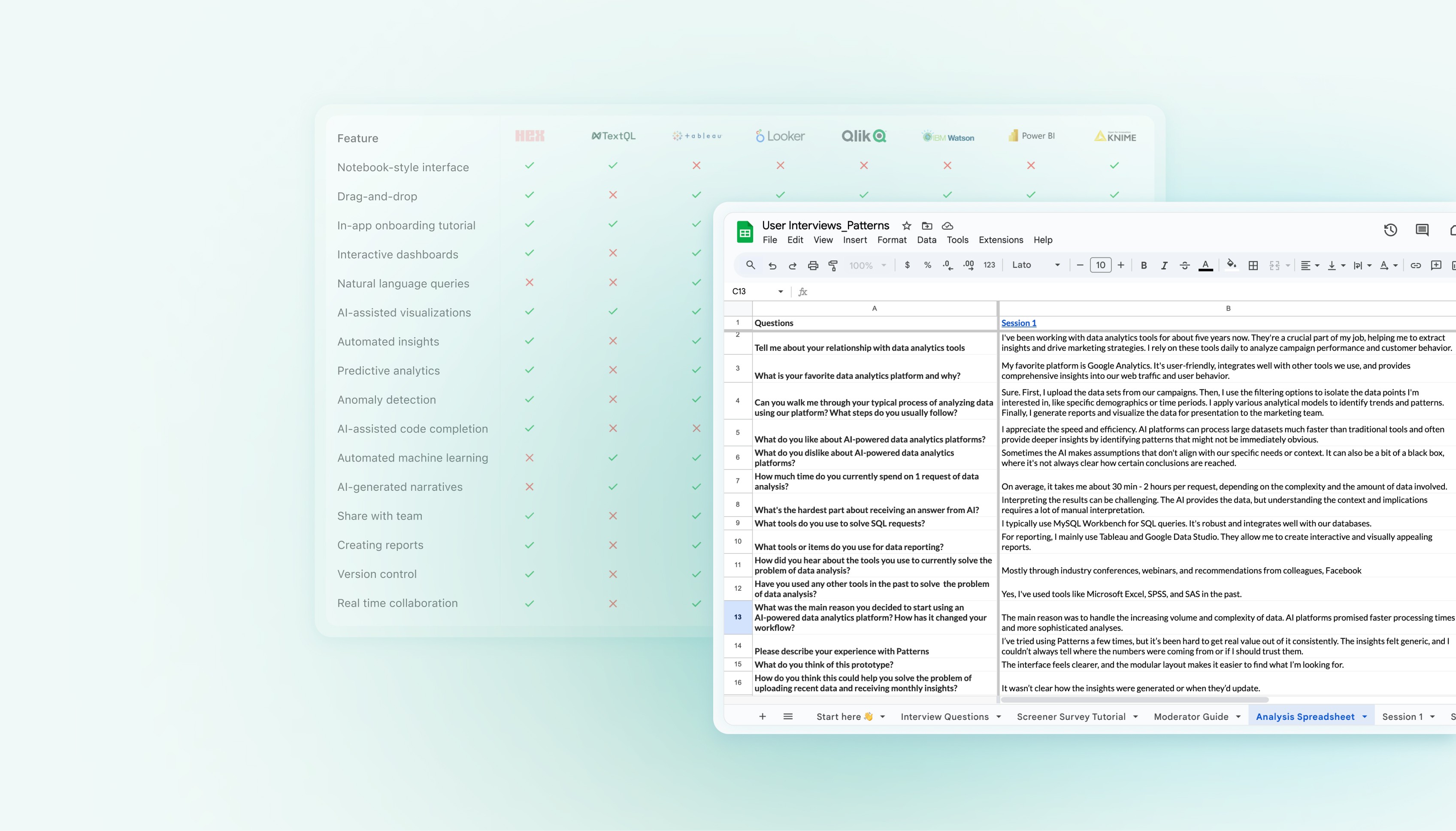

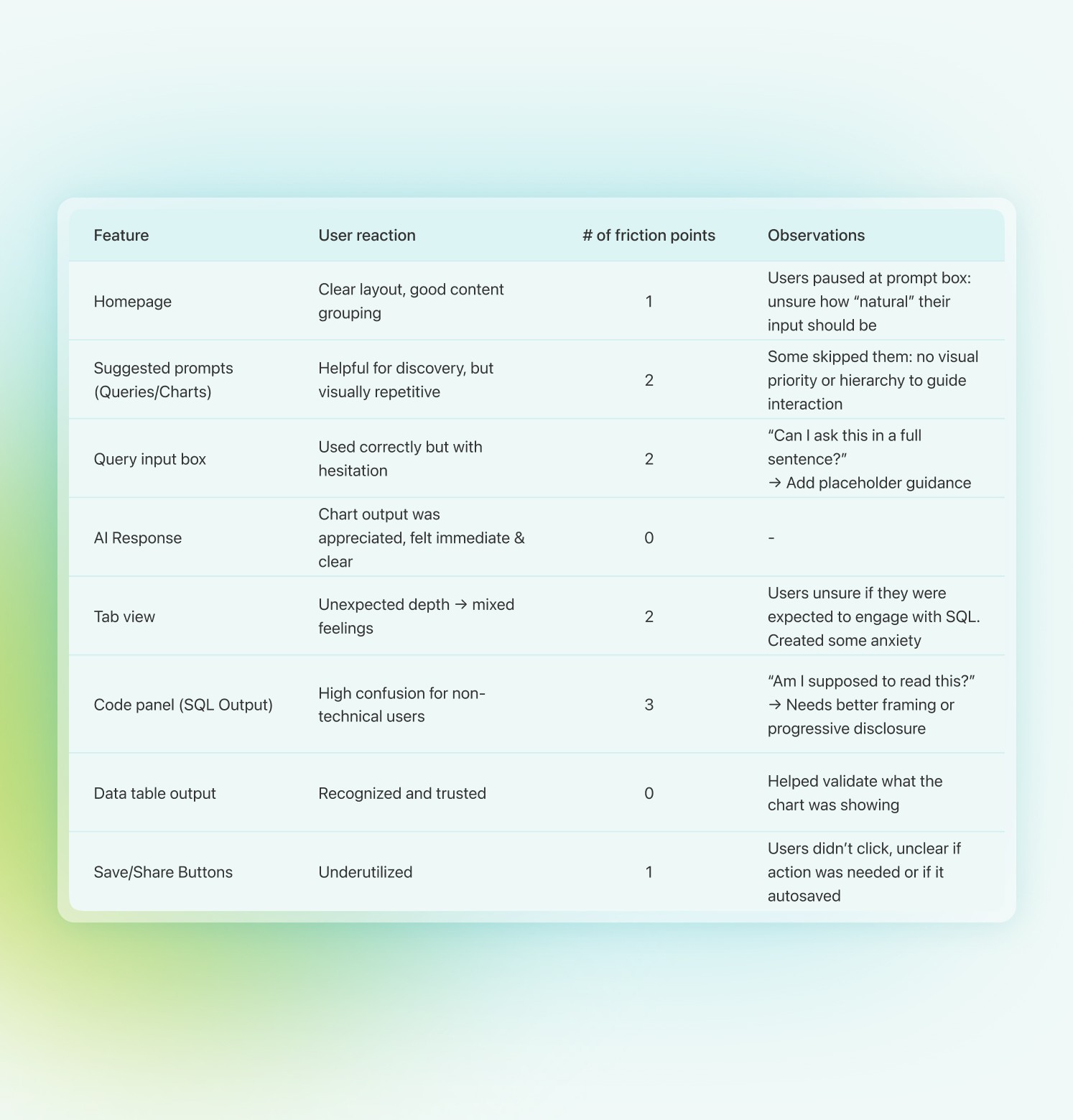
Prototype used in the first user testing observations and key findings
Guided by user feedback and team constraints, I led a design session to align on an MVP focused on easier onboarding, a simplified workspace with AI prompts, and clear modular insight cards.
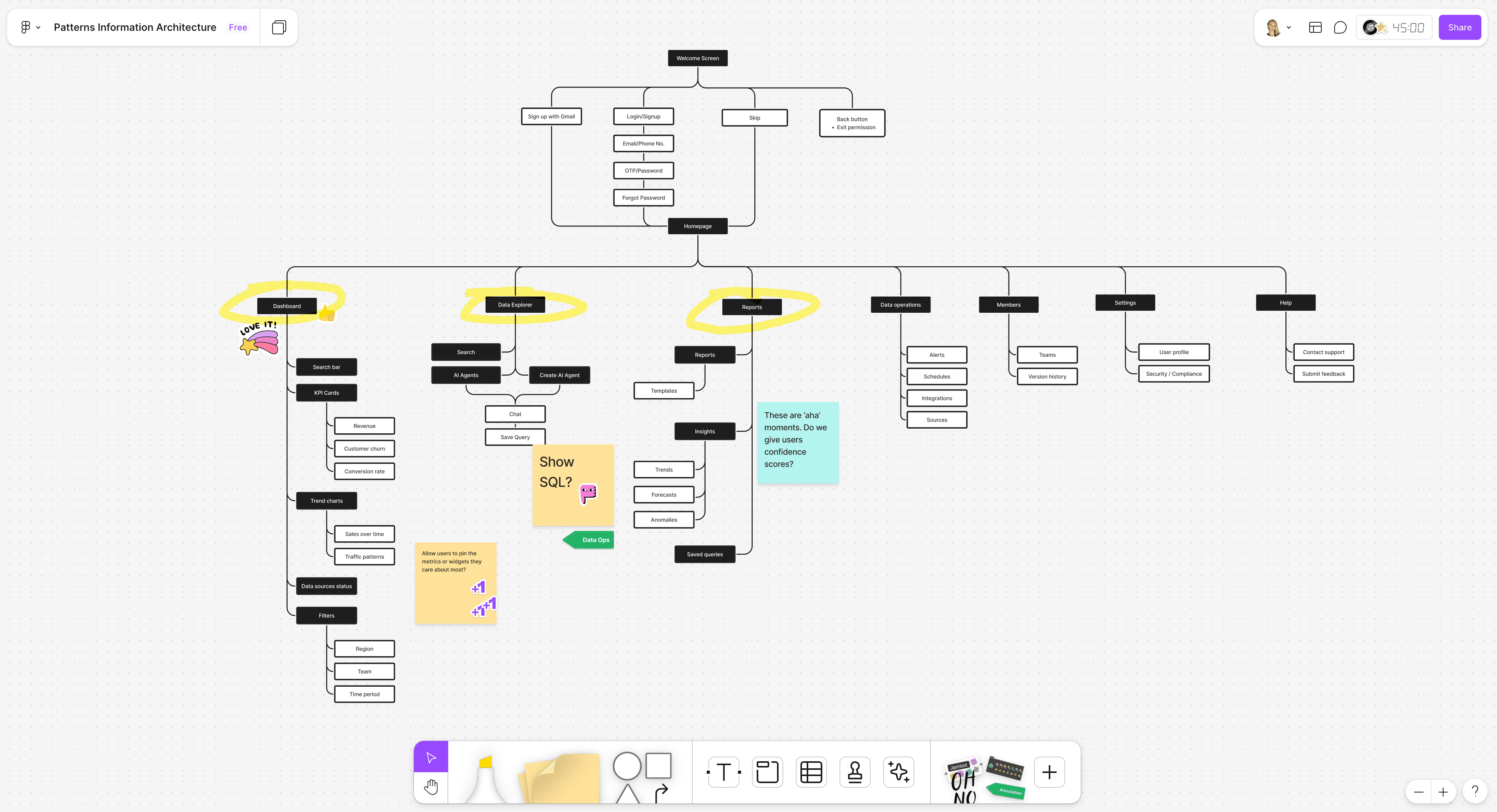
Guided data setup
We replaced the open-ended setup with a structured, visual onboarding flow featuring inline error handling, visual mapping cues, transparent permission steps. This reduced user confusion and accelerated time-to-value.
We focused on three flows for the MVP: onboarding, workspace and smart insights.
Shifting the experience from tool-centric to outcome-centric.
Conversational AI analysis
To avoid overwhelming users with complex interfaces, we built a chat-based AI assistant. Users could ask natural language questions like “Show me sales by region last quarter,” and receive visualized results instantly.
Chat-based AI assistant
Customizable reports
I designed a WYSIWYG editor where users could organize AI-generated insights into presentable reports. Users could drag cards, edit content, and prompt AI inline to refine or expand sections.
This allowed teams to
co-create with AI while maintaining full editorial control.
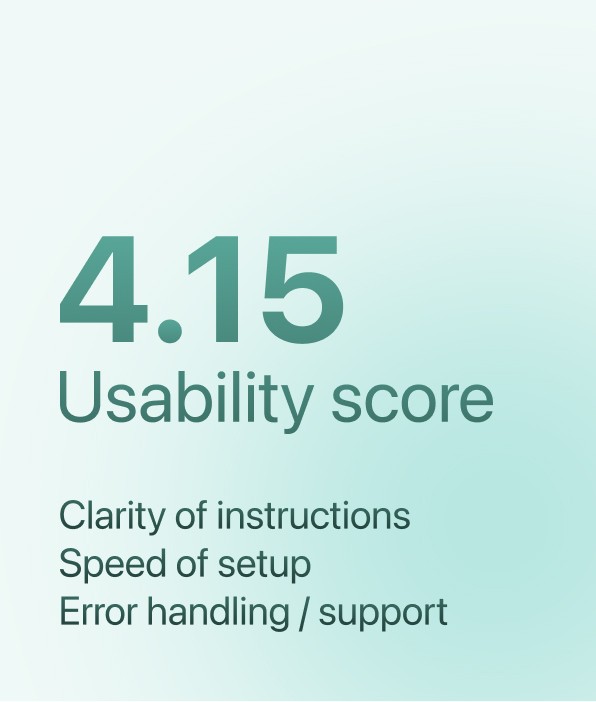
The redesign significantly improved usability, reduced manual work, and helped the team hit their launch goal on time.
76%
Share rate
Users shared the report they have created.
20%
Conversion rate
Most of users were able to accomplish the intended goals.
Design system
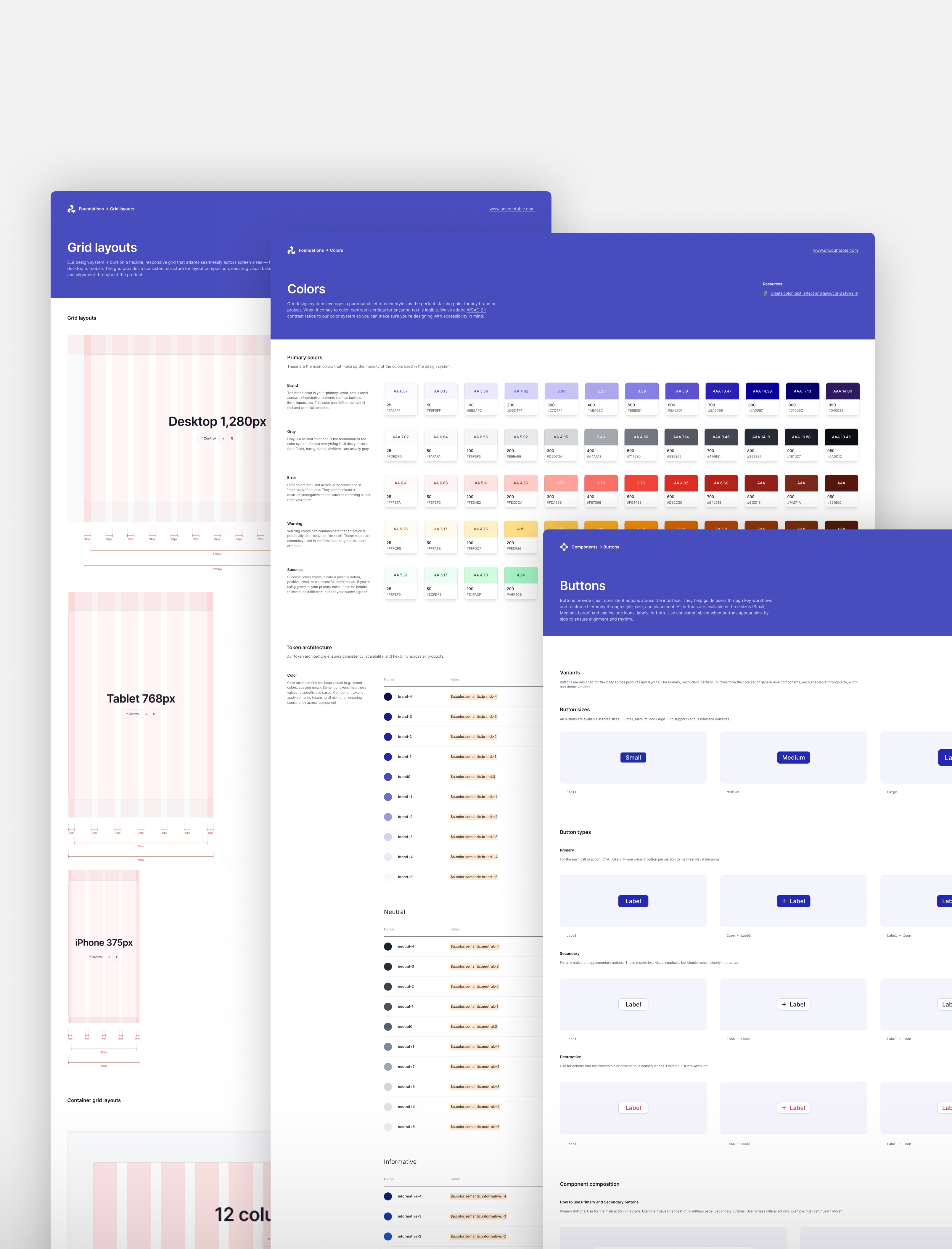
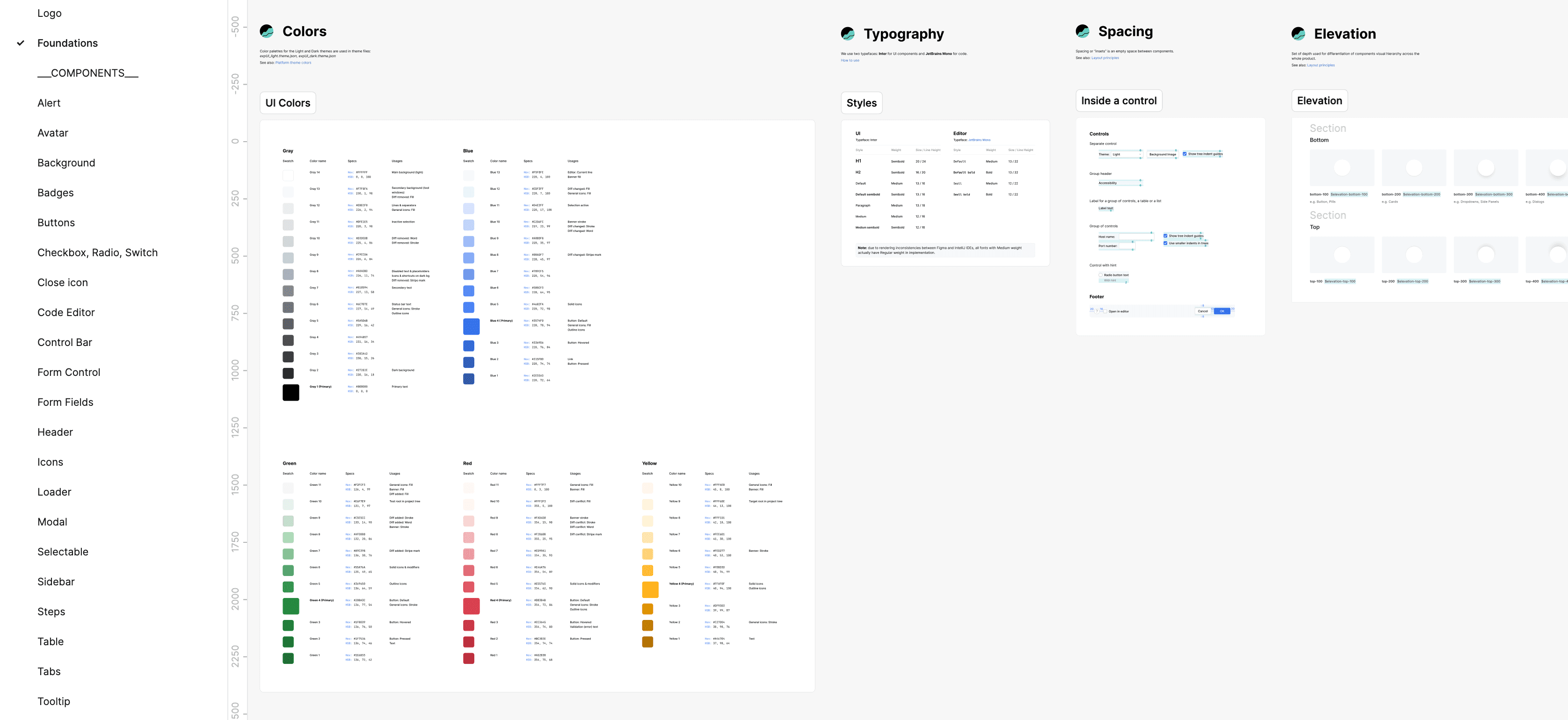
I built a design system based on several UX design patterns for creating effective generative AI chatbots. I also utilized resources from Tetrisly UI and Int UI starter kits, both accessible via GitHub repositories.
In future iterations AI may feel more like part of the environment: less of a prompt, more of a presence. At the same time, transparency remains non-negotiable. We began designing ways to help users monitor and validate the AI itself.
If AI is part of the team, it should be accountable like one.
Embedding AI into workflows, not hiding it behind modals
Using voice for hands-free exploration
Triggering contextual AI hints based on user behavior
Related work